Design your bedroom in 3D, from a photo or the floor plan
See your bedroom furnished before you move a single piece or buy anything: Roomify starts from a photo of the room, or from its floor plan if it isn't built yet. You describe your idea, the AI turns it into a photorealistic image, and you correct it in a few words.
- 🎁 5 free images when you sign up, no credit card needed
- Then from €2.50 incl. VAT for 8 images, no subscription
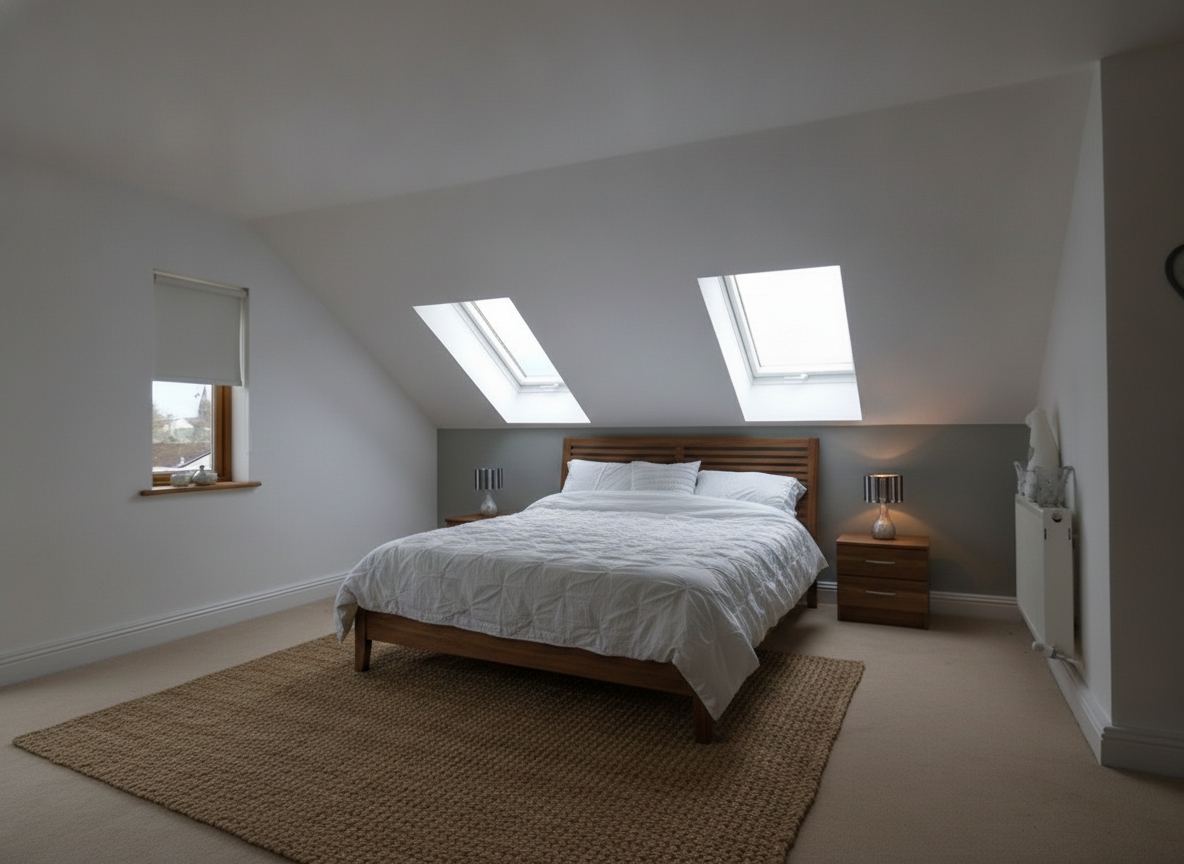
Redo your bedroom in 3D from a photo
To design your bedroom in 3D, a photo taken with your phone is enough, whether the room is empty or already furnished. Each image costs 1 credit; the assistant's questions are free.
- Photograph the bedroom from the doorway, in landscape mode.
- In « Imagine with AI », describe what you want: « Japandi bedroom, sage green walls, oak bed ». To place your own furniture, add its photo, link or reference in « Furnish a room ».
- Correct the result in a few words: « the bed against the other wall », « lighter curtains ».
Your bedroom plan in 3D
The house isn't built yet? Send its plan in « From a plan »: Roomify shows the level in 3D from above, then each room empty at eye level, doors and windows in place, and checks every render against the plan. You then furnish the bedroom like a photo. A render from a plan costs 3 credits.
What Roomify does not do
Roomify produces photorealistic images and videos, not a dimensioned drawing or a model to move around: it shows the mood, the layout and the colours. Measure the room and the furniture before you buy.
Walk through your bedroom in a video
Save your creations, then turn them into a walkthrough video where the camera moves through each room, from 6 credits.
How much does it cost?
- 🎁 5 free images when you sign up, no credit card needed
- Then from €2.50 incl. VAT for 8 images, no subscription
- An image costs €0.27 to €0.35 incl. VAT, depending on the offer; pro subscriptions from €19.00 a month, cancel anytime.
- An image costs 1 credit, a render from a plan 3 credits, a walkthrough video from 6 credits.
Frequently asked questions
How do I design my bedroom in 3D online?
Take a photo of the bedroom (or send the floor plan of the home), describe the layout you want to Roomify's assistant, then correct the image in a few words until it is right. Everything happens in the browser, with no software to install.
Can I design my bedroom in 3D for free?
To try it, yes: creating an account gives you 5 free images, no credit card needed. After that, images are paid in credits, with no subscription.
How do I draw a bedroom in 3D without software?
With Roomify you don't draw anything: a photo of the bedroom, or an image of its plan, is enough. You describe the result in words and the AI produces the image.
Can I get a 3D plan of a bedroom?
Yes, from the floor plan of the home: « From a plan » gives the level in 3D from above, then the bedroom empty at eye level, which you then furnish. Each render costs 3 credits.
Does the render respect the size of my bedroom?
The render starts from your photo or your plan: the walls, doors and windows stay where they are. It is not a dimensioned drawing: check the measurements before you buy furniture.
Try it on your bedroom — Try it free